How to Register for Pag-IBIG 1 as a Voluntary Member?
If you’ve been reading about MP2 and you’re excited to open an account — hold on just a sec. Before you can invest in MP2, there’s one thing you need to have first: an active Pag-IBIG 1 (Regular Savings) membership.
Think of it this way — MP2 is the upgrade, and Pag-IBIG 1 is the base. You can’t skip to the second floor without stepping through the first.
The good news? Registering as a Pag-IBIG member takes less than 15 minutes online, and it’s completely free. Here’s exactly how to do it.
First — Who Can Register as a Voluntary Member?
If nobody is contributing on your behalf — whether because you’re freelancing, self-employed, between jobs, or simply want to take control of your own savings — voluntary membership is for you.
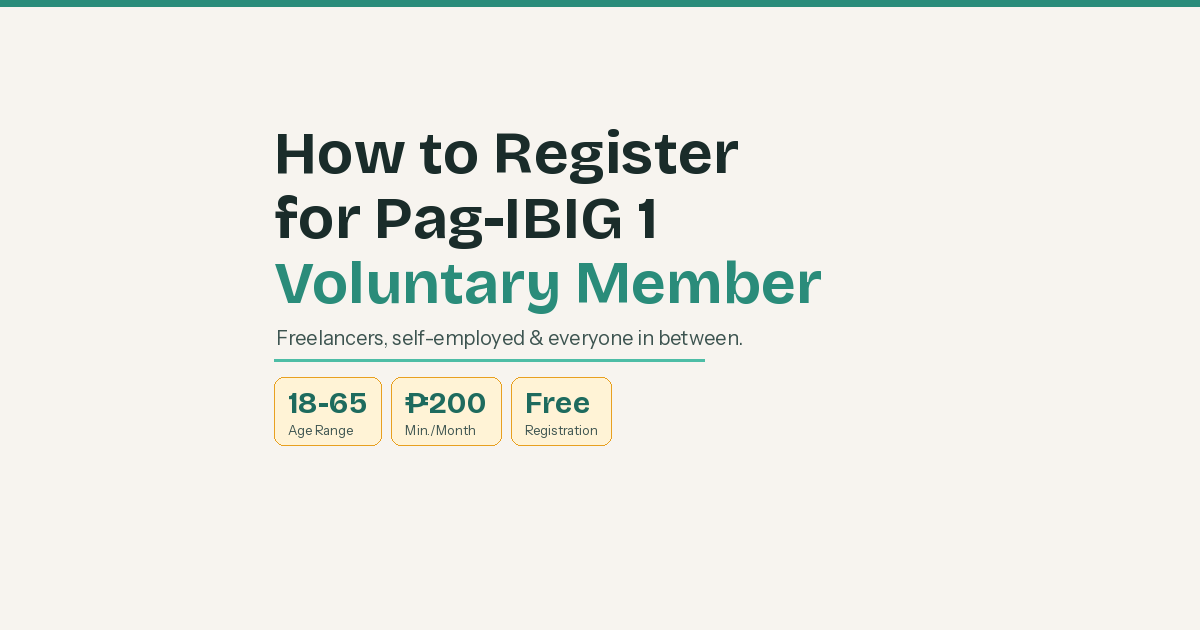
Under the Pag-IBIG Fund Law (RA 9679), anyone between 18 and 65 years old can join voluntarily. That includes freelancers, self-employed individuals, non-working spouses, OFWs, students, homemakers, and even those who are temporarily unemployed. You don’t need an employer, a payslip, or proof of income to get started. As long as you can commit to paying a minimum monthly contribution, the doors are open.
What You’ll Need Before You Register
The registration process is surprisingly light on requirements. Here’s what to prepare:
- Full legal name — must match your PSA birth certificate exactly (yes, even the middle name matters)
- Date of birth — in MM/DD/YYYY format
- Active email address — you’ll receive updates and confirmations here
- Active mobile number — for OTP verification
- Present home address
That’s it. No need to upload documents for online registration. Just make sure your name is spelled exactly as it is on your birth certificate — mismatches are the most common reason for delays.
Step-by-Step: How to Register Online
Step 1: Go to the Virtual Pag-IBIG Website
Head over to https://www.pagibigfundservices.com/virtualpagibig/ and click on “Be a Member.” This will take you to the Online Membership Registration page.
Alternatively, you can go directly to https://www.pagibigfund.gov.ph/, hover over the E-Services tab, and select “Membership Registration.”
Step 2: Fill In Your Basic Information
Enter your:
- Last name, first name, and middle name
- Date of birth
- CAPTCHA code
Click Submit to proceed.
Step 3: Complete the Membership Form
This is where you fill in the rest of your details — home address, contact information, and membership type. Since you’re registering on your own without an employer, select “Voluntary” as your membership type.
You’ll also be asked to provide:
- Source of income (freelance work, business, allowance, online selling — whatever applies to you)
- Name and contact details of a beneficiary
Take your time filling this out. Once submitted, changes will require visiting a Pag-IBIG branch to file a Member’s Change of Information Form (MCIF).
Step 4: Submit and Get Your RTN
After submitting, you’ll receive a Registration Tracking Number (RTN). This is your temporary Pag-IBIG number — save it! Take a screenshot or write it down somewhere safe. You’ll use this to check the status of your application and to start making contributions while waiting for your permanent ID.
Step 5: Wait for Your MID Number
Your permanent Pag-IBIG Membership ID (MID) number will be assigned within 2–3 working days after registration. You can check if it’s ready by visiting: https://www.pagibigfund.gov.ph/midInquiry.html
Once you have your MID, you’re officially a Pag-IBIG member. 🎉
Now What? Paying Your First Contribution
Registration alone doesn’t activate your membership benefits — you also need to start contributing. As a voluntary member, the minimum monthly contribution is ₱200.
Via GCash:
- Open GCash and go to Pay Bills
- Select Government → search for Pag-IBIG
- Choose Regular Savings (Pag-IBIG 1)
- Enter your MID number (or RTN if your MID isn’t out yet), the period you’re paying for, and the amount (minimum ₱200)
- Confirm and pay — you’ll get a receipt via the app
Via Maya: Same process as GCash. Go to Pay Bills → Government → Pag-IBIG, then fill in your details.
Via Virtual Pag-IBIG (Credit/Debit Card): Log in to your Virtual Pag-IBIG account → Payments → Pay Online → Select Regular Savings. A 1.75% convenience fee applies.
Pro tip: GCash and Maya charge a flat ₱5 convenience fee per transaction, which honestly isn’t bad at all for the convenience of not having to line up somewhere.
How Much Should You Contribute?
The minimum is ₱200/month, but you’re free to contribute more if you can. Here’s a quick breakdown:
| Contribution | What it means |
|---|---|
| ₱200/month | Minimum. Keeps your membership active. |
| ₱400/month | Closer to what employed members contribute — better for loan eligibility eventually. |
| More than ₱400 | Totally allowed! Higher contributions = more savings + dividends. |
Don’t stress about contributing a lot right away. Starting with ₱200 is completely fine — the important thing is building the habit and keeping your membership active.
A Quick Note on the Loyalty Card Plus
Once you’re a member, you can also apply for a Pag-IBIG Loyalty Card Plus at any Pag-IBIG branch. This card works as your physical Pag-IBIG ID and also gives you discounts at partner stores nationwide — groceries, pharmacies, gas stations, and more. It’s free to get, so why not!
You’re Now Ready for MP2
Once you have your MID and an active Pag-IBIG 1 membership — meaning you’ve started contributing — you’re eligible to open your MP2 account. There’s no minimum number of contributions required for active members, just that your account is active and in good standing. That’s the fun part — growing your money with government-guaranteed dividends.
If you haven’t read my guide on how to open an MP2 account, check that out next. Everything you just did here is exactly what you need to get there.
One step at a time — you’ve got this. 💪
Got questions about the registration process or ran into issues? Drop a comment below — I’ve been there too and happy to help!

Welcome to my personal space. A young professional in the IT world. I am interested in finance, investment and a whole lot of hobbies.